


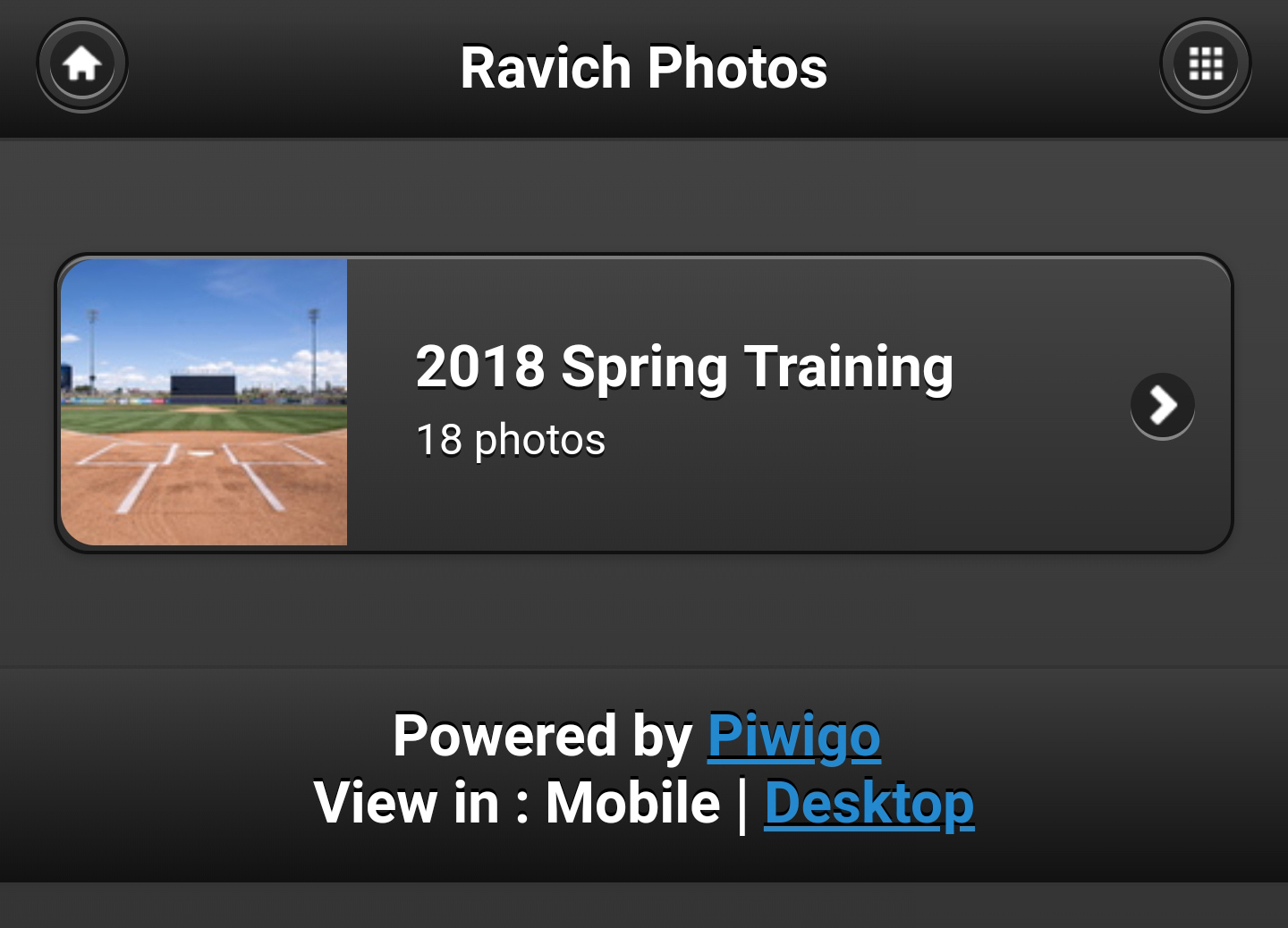
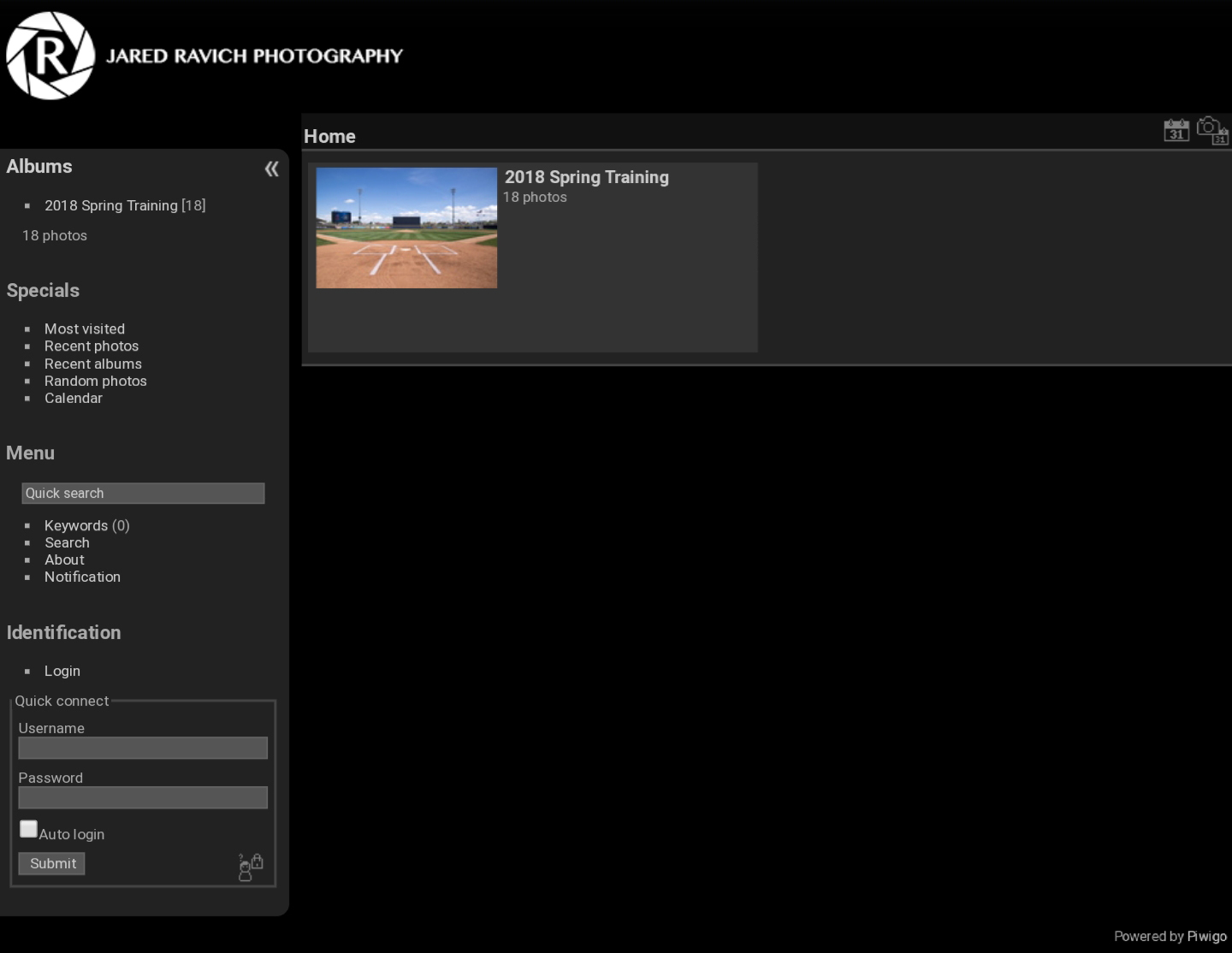
The desktop gallery looks like this:
At the bottom left, you should see a login area. Once you enter your username and password, you should see more galleries than 2018 Spring Training.
It's easier to see the pictures in a gallery if you size them up to MEDIUM by clicking this icon at the top:
 When you're in a gallery and you've clicked on a photo, you can click this icon to download the full-size photo:
 If I've entered a title for the photo, it should show up if you use the search box on the left. Can be a quick way to find photos of a player.
Please do me a favor and let me know if I put the wrong player in a title or if you know who a player/coach is and I didn't add a title. Thanks!
If I've entered a title for the photo, it should show up if you use the search box on the left. Can be a quick way to find photos of a player.
Please do me a favor and let me know if I put the wrong player in a title or if you know who a player/coach is and I didn't add a title. Thanks!
When you're in a gallery and you've clicked on a photo, you can click this icon to download the full-size photo:
If I've entered a title for the photo, it should show up if you use the search box on the left. Can be a quick way to find photos of a player.
Please do me a favor and let me know if I put the wrong player in a title or if you know who a player/coach is and I didn't add a title. Thanks!